Ecwid is an e-commerce platform that can embedded into your site for free for up to 10 products. There are also other plans available for larger e-commerce sites.
Step 1. Set up your Ecwid account
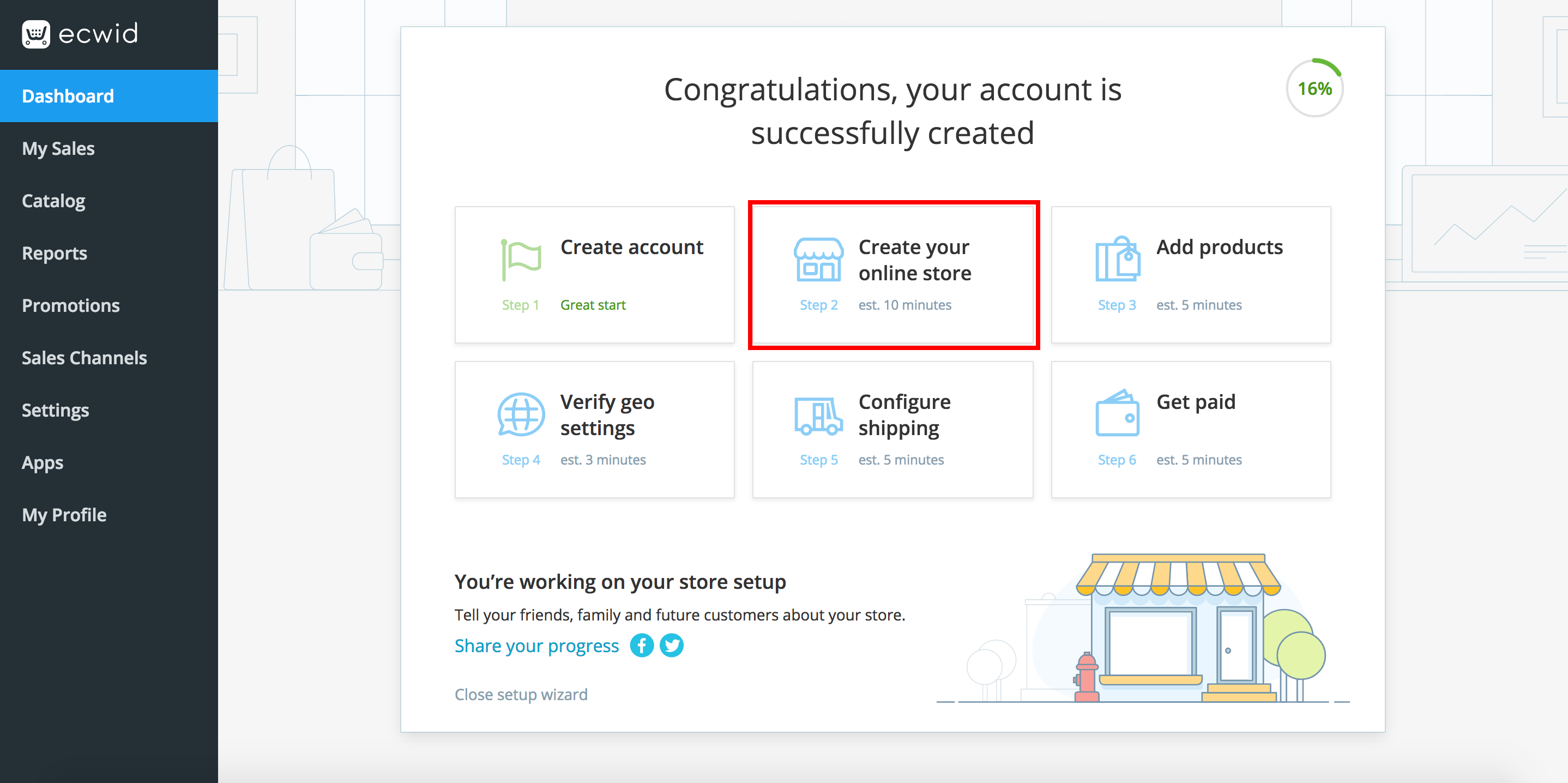
Register and set up your Ecwid account. Enter all the details of your products, shipping and payment methods. If you don't have this information yet, you can still create your store.
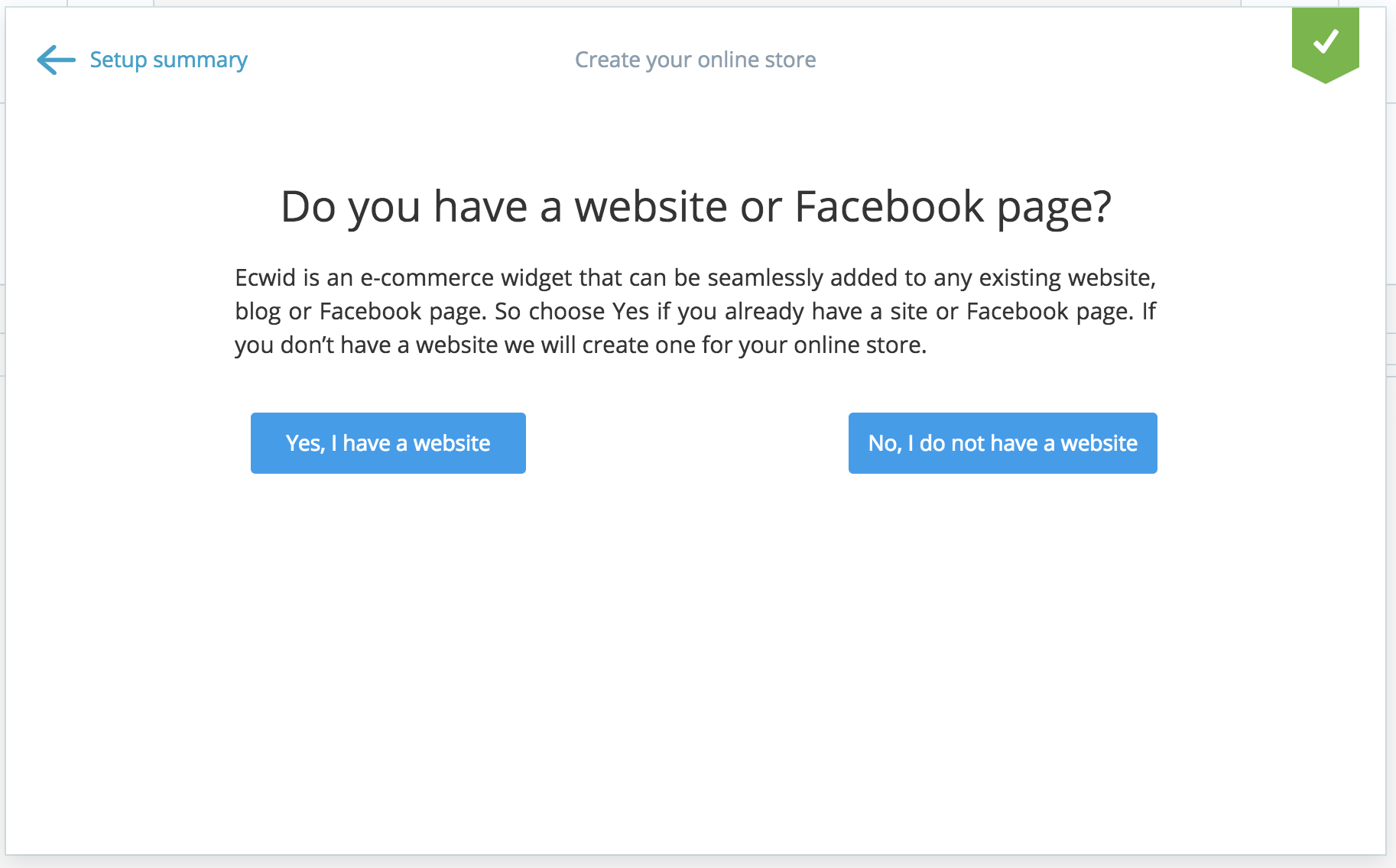
*Please note that in order to retrieve your embed code, you need to say 'Yes' to having a Facebook or website. See below.
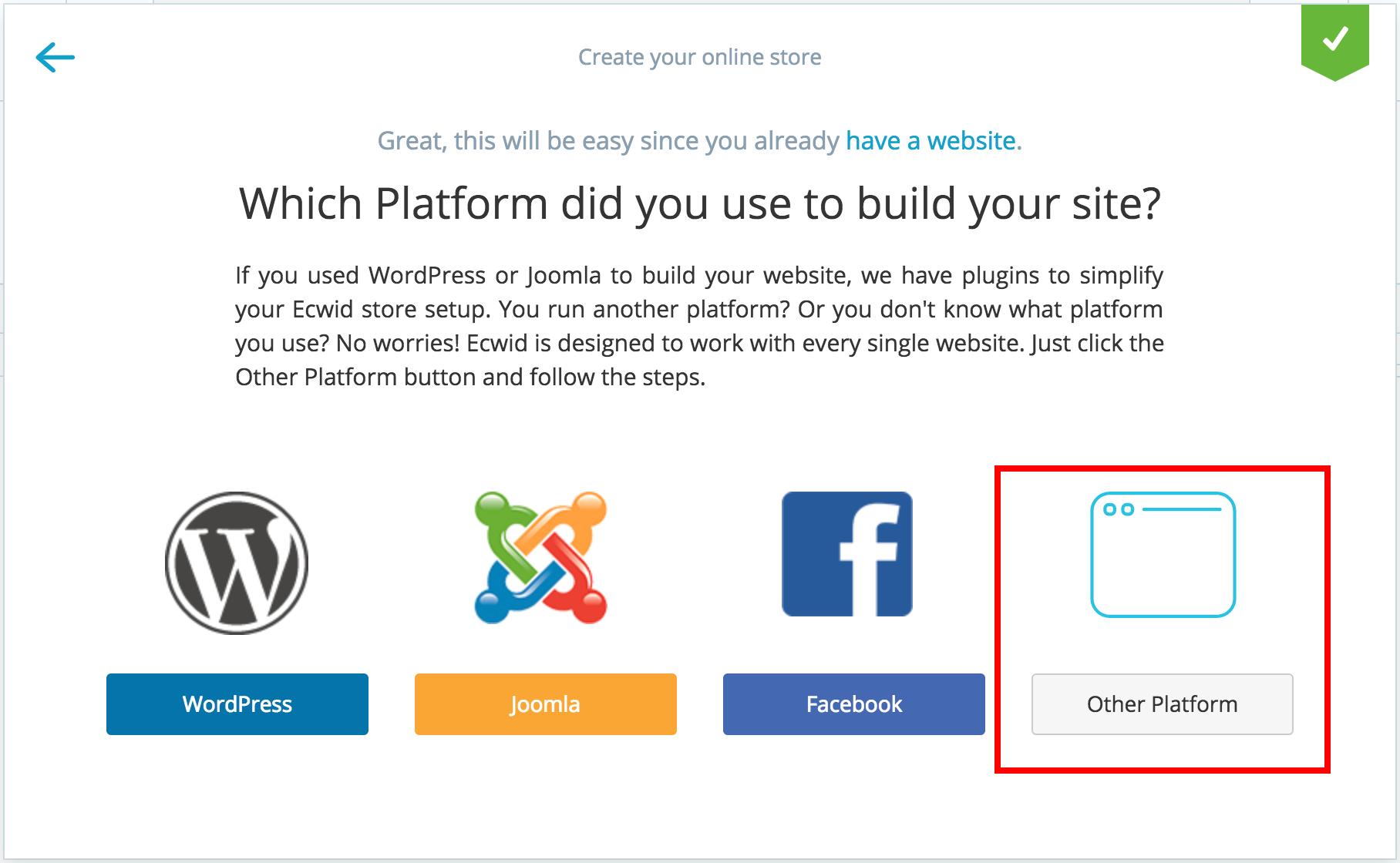
When asked which platform, click 'Other Platform'.
Step 2. Get embed code
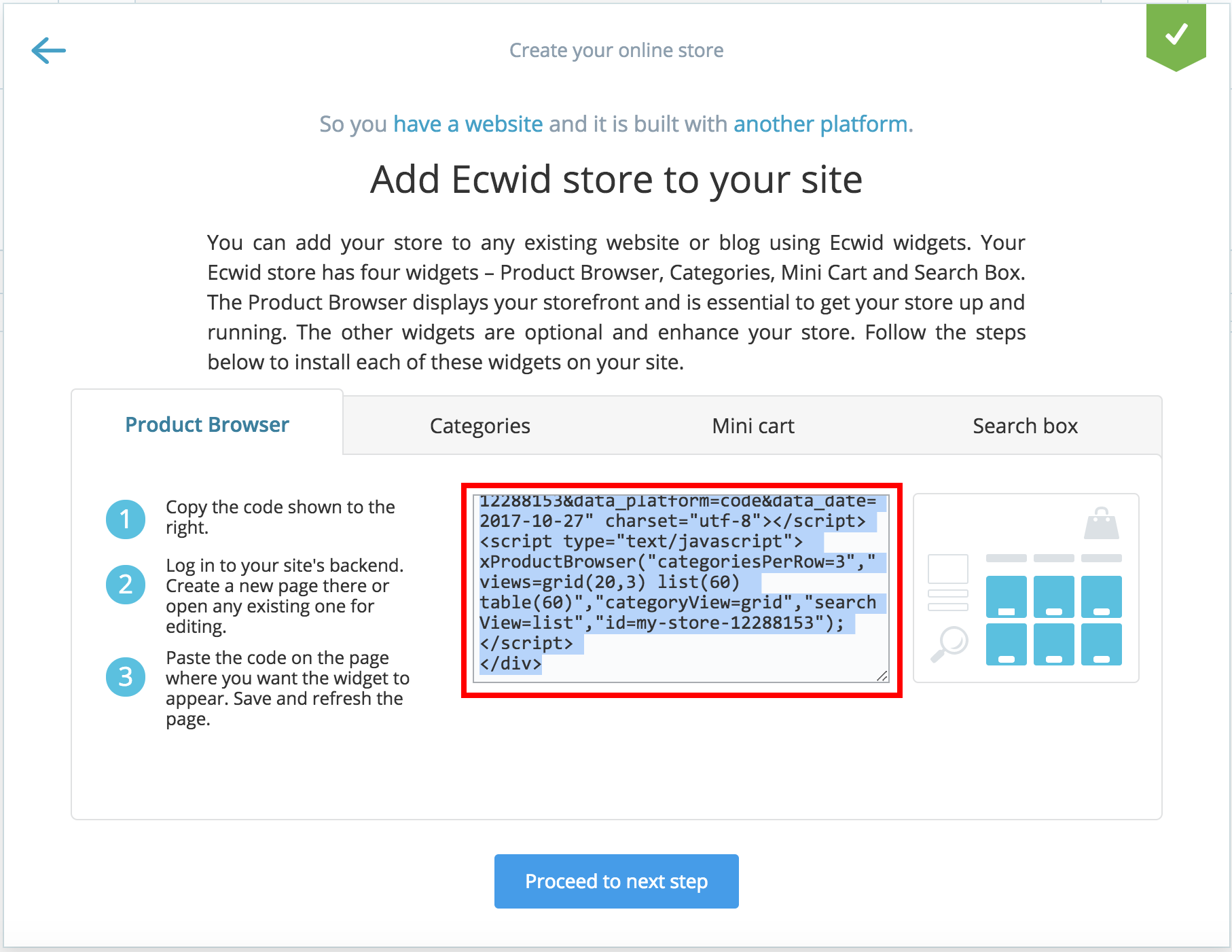
Once you have finished setting up your Ecwid account and added all your details and products, generate the embed code. Ecwid explains the different widgets that are available for your store.
Step 3. Add embed code to your site
Go to your website page where you want your e-commerce to go.
Drag on the HTML widget from the 'Add' tab on the left of your canvas.
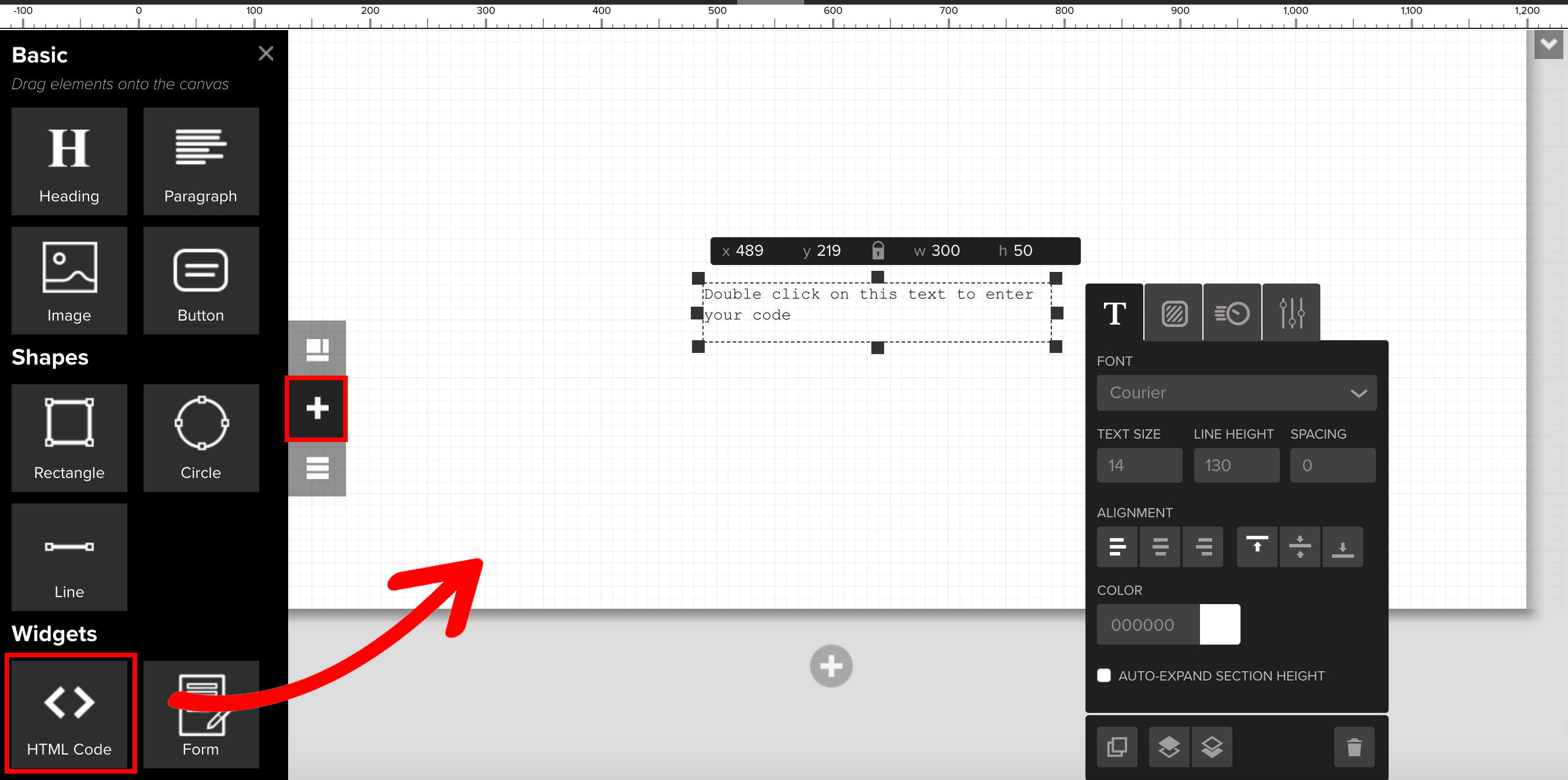
Simply double click on the widget and paste in the Ecwid code.
Step 4. Design the layout
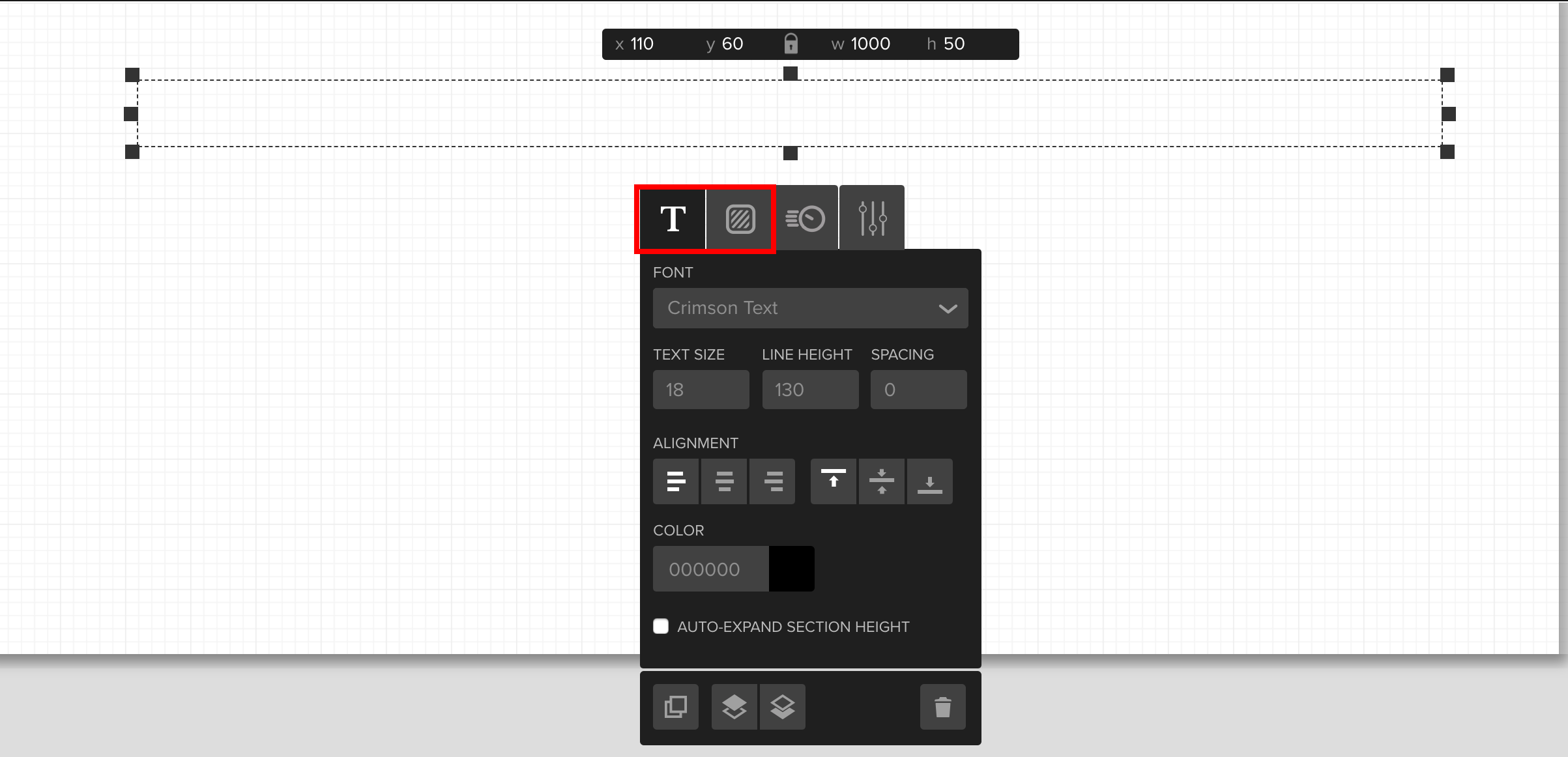
You can change the font, typography and background of your store.
Step 5. View your changes
To view your new e-commerce store, simply publish and view your site.

Comments